Free
Your health data next to your training
“My numbers are spread over five apps.”
Bring your workouts, sleep, steps, body weight and heart rate in from Apple Health on iPhone or Health Connect on Android. Pair a Bluetooth heart-rate strap during workouts. Free.


How it works
- 1
Connect
Choose Apple Health or Health Connect, then pick which categories to bring in.
- 2
See it in Strenova
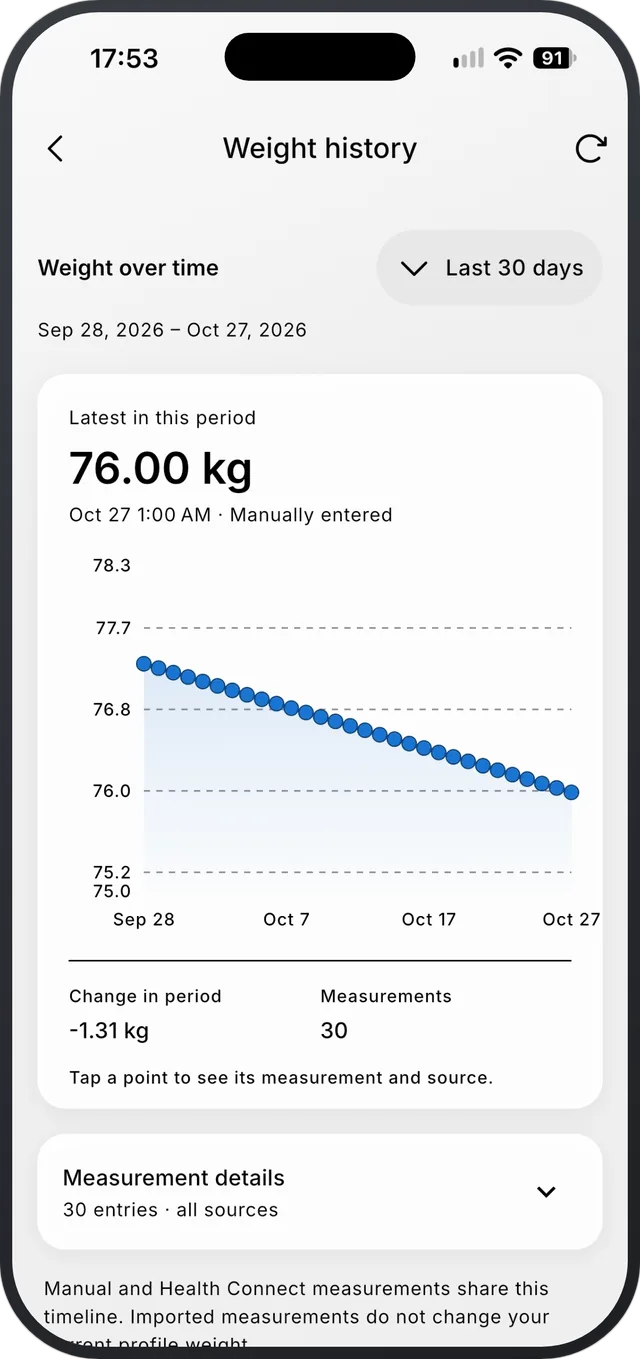
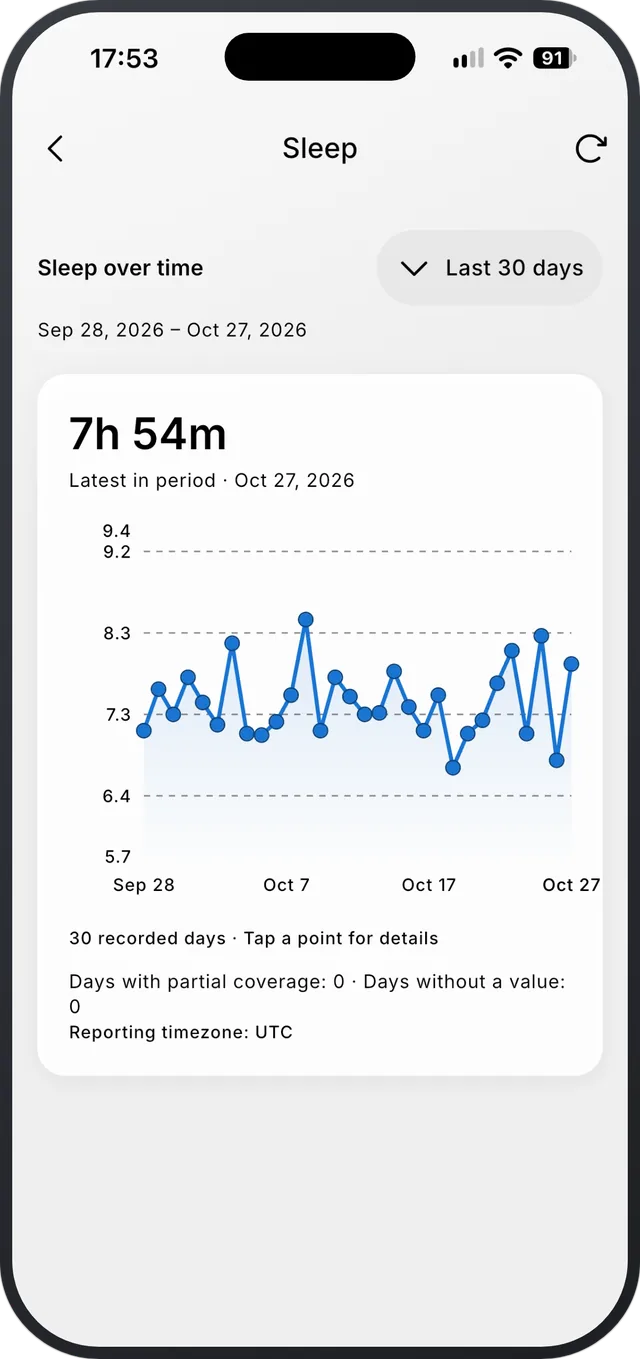
Weight, steps, sleep and resting heart rate get their own history charts.
- 3
Heart rate during workouts
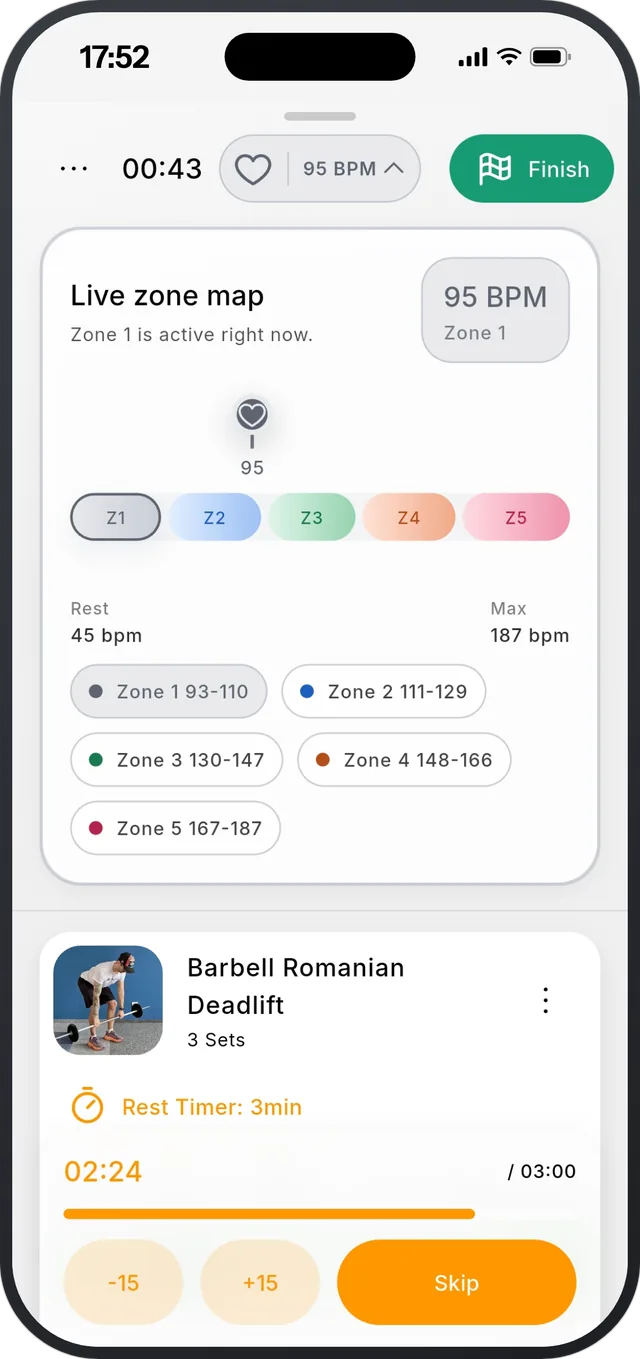
Pair a Bluetooth heart-rate monitor to see live BPM and heart-rate zones while you train, saved with the workout.
What comes in
- Workouts, sleep, steps, body weight, resting heart rate, heart-rate variability and activity heart rate.
- Only the categories you pick.
- Sync now, see the last sync, disconnect, or clear what was imported.
What it doesn’t do
- Import only: Strenova never writes to Apple Health or Health Connect.
- Health data doesn’t change your recovery map or your plan.
- No Apple Watch or Wear OS app.
Questions
Does Strenova work with Apple Health?
Yes, on iPhone. On Android it works with Health Connect. Both are free.
Can I use a heart-rate strap?
Yes, any Bluetooth heart-rate monitor. You see live BPM and zones during the workout.
Progressive overload, made easy.
Free on iPhone and Android.