Free
Your month, next to last month
“It feels like I’m starting over every few weeks.”
On the first of every month, Strenova puts your month next to the one before: how much you lifted, how often you trained, which muscles got the work and your top exercises. Free.


How it works
- 1
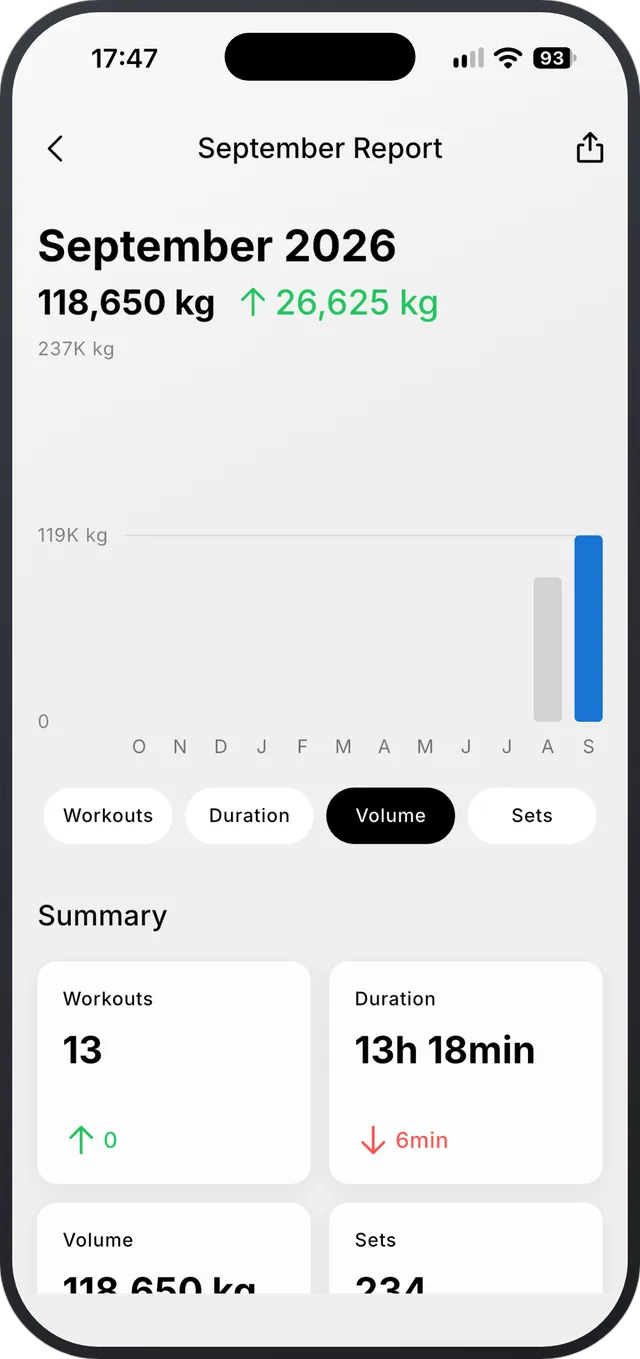
The numbers that moved
Volume, workouts, time and sets, with the change from last month, up or down.
- 2
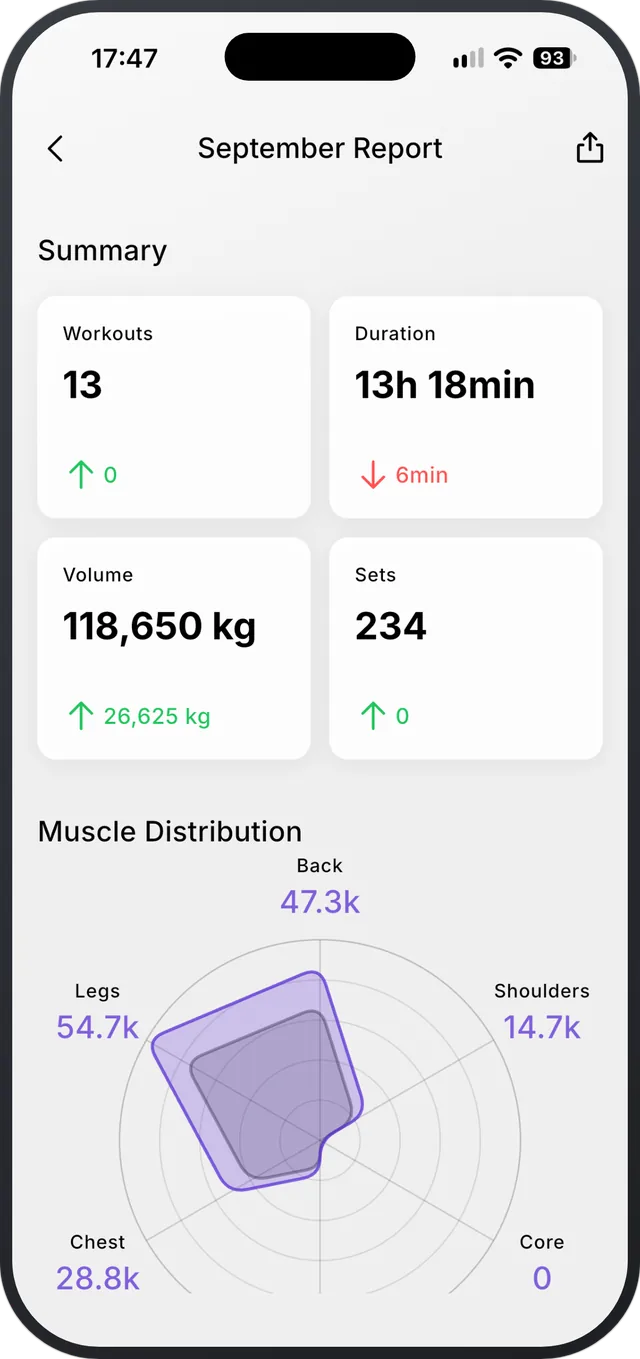
Where the work went
Muscle distribution this month against last month, so you see what you trained more, and less.
- 3
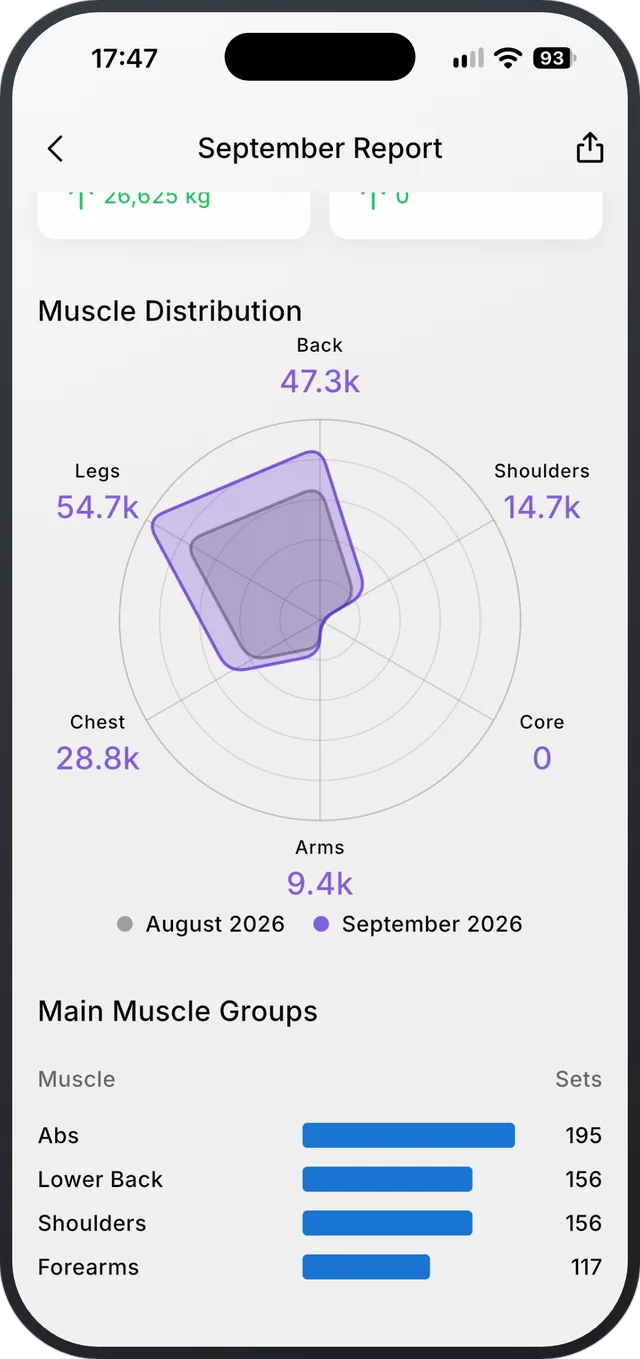
Your top exercises and days
Your main muscle groups and top exercises, and a list of the days you trained that opens each workout.
What’s in the report
- Reports for this month and the two before.
- A notification on the 1st, and a shortcut on Home in the last week of the month.
- Share cards for the summary, a chart or the muscle chart.
What it doesn’t do
- It shows what you logged. It doesn’t judge the month for you.
Questions
Is the monthly report free?
Yes, for this month and the two before.
Does it count imported workouts?
Yes. Workouts you import show in your reports, trends and records.
Progressive overload, made easy.
Free on iPhone and Android.