Free
Keep showing up
“I start strong, then a week slips, then a month.”
Your calendar and weekly streak show the weeks adding up. When you’ve been away for a few days, a reminder nudges you back. Free.


How it works
- 1
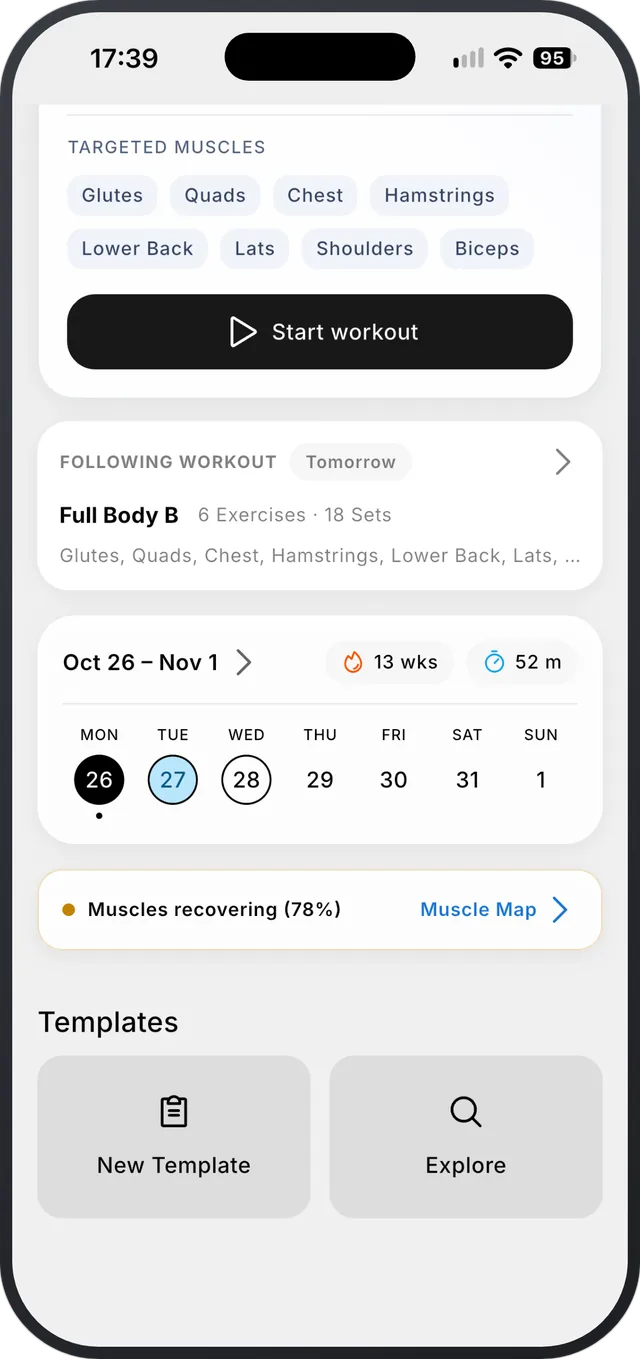
Your week on Home
This week’s days, your streak and your training time, right under today’s workout.
- 2
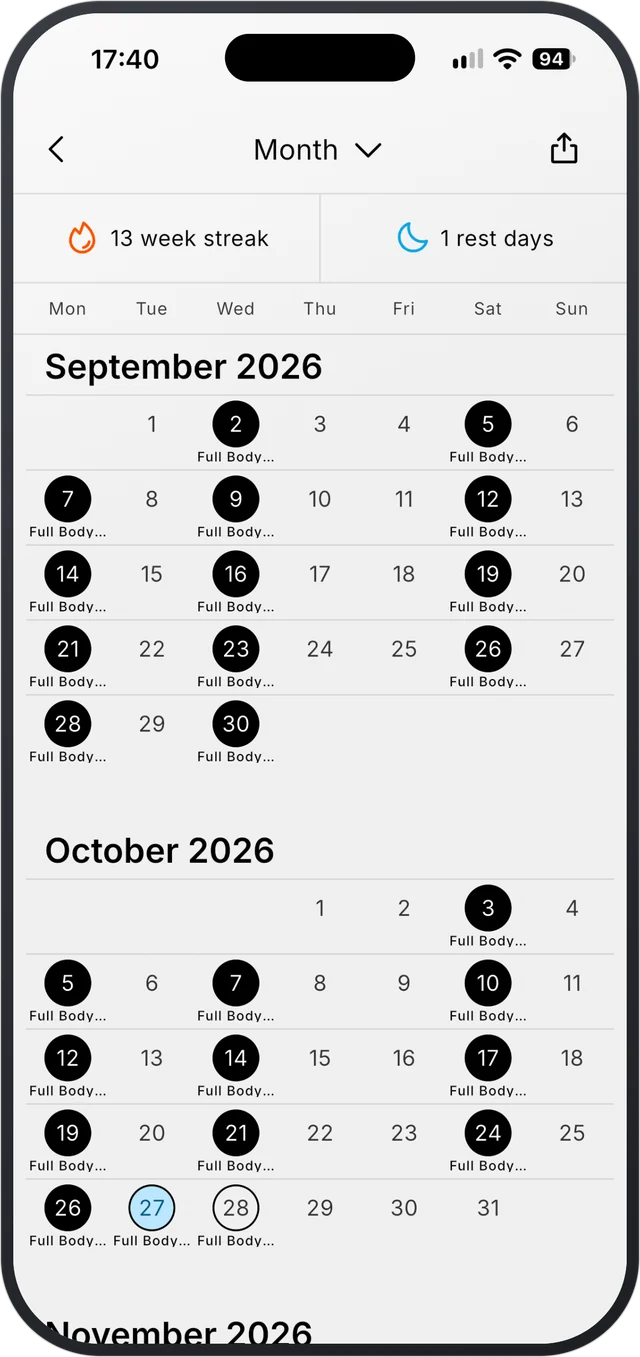
Month, year and beyond
Switch between month, year and multi-year views, with streak and rest-day counts.
- 3
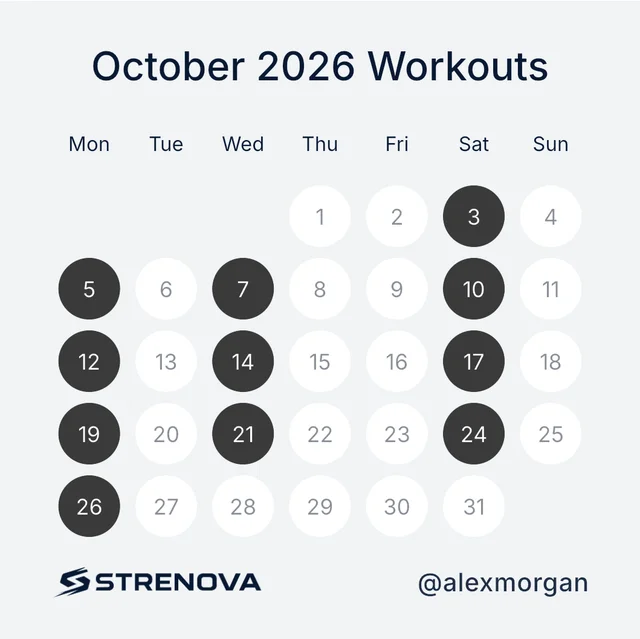
Share it
Turn a month, a year or the last 12 months into a card, on a light, dark or see-through background.
Reminders and widgets
- Reminders on your program’s training days.
- A comeback reminder after five days without training.
- Home-screen widgets on iPhone: My Week, Training Streak, Month Calendar, Next Workout, Trends Volume and Muscle Recovery.
- Widgets on Android: Month Calendar, Next Workout, Trends Volume, Muscle Recovery and Quick Start for a template.
- Start your week on Monday, Saturday or Sunday.
What it doesn’t do
- Reminder times for program days are set by the app, not by you, for now.
Questions
How does the streak work?
It counts weeks in a row with training, so a rest day doesn’t break it.
Are there home-screen widgets?
Yes, on iPhone and Android. Tap one to open the matching screen.
Progressive overload, made easy.
Free on iPhone and Android.