Log your first workout
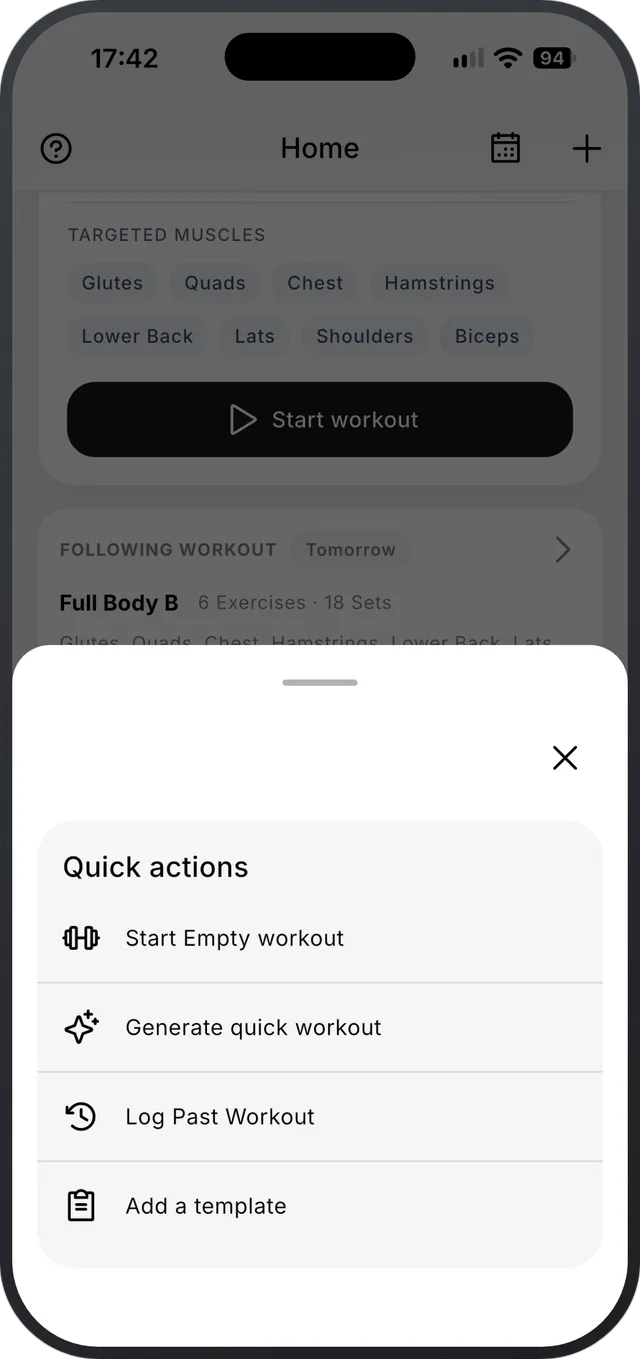
On Home, tap + and choose Empty Workout, or start one of your templates. Add exercises, log each set, then tap Finish.
Step by step
- 1On Home, tap + and choose Empty Workout. To follow a plan instead, open a template and start it.
- 2Add exercises from the library. Search by name, or filter by muscle group or equipment.
- 3Enter reps and weight for each set and log it. The previous column shows what you did last time.
- 4Between sets, a rest timer counts down. You can adjust it or skip it.
- 5When you’re done, tap Finish. Sets you didn’t log can be logged all at once or left out.
Good to know
- Forgot to log a session? Tap + on Home and choose Log Past Workout, then pick the date and time.
- Settings has a short Getting Started Guide video, in your app language.
- Templates and programs can carry a progression rule for each exercise. Then Strenova suggests when to add weight or reps.
About the featureFree
Workout log
Last time’s weight and reps sit next to every set.
Related
Still stuck?
Email us at hello@strenova.app. Tell us your phone and what you tried, and we’ll get back to you.